Cursorcerer: Hide Your Cursor at Will
Sunday, October 1st, 2023 Cursorcerer is a little tool I hacked together which allows you to hide the Mac’s cursor at any time by use of a global hotkey. It can also autohide an idle cursor and bring it back as soon as you move the mouse.
The inspiration for this tool is one of my favorite and most utilized macOS features: the control-scrollwheel zoom trick. I use it all the time to make things like embedded web videos full screen. The trick’s only major downfall is that it’s a constant battle to get the cursor out of the way.
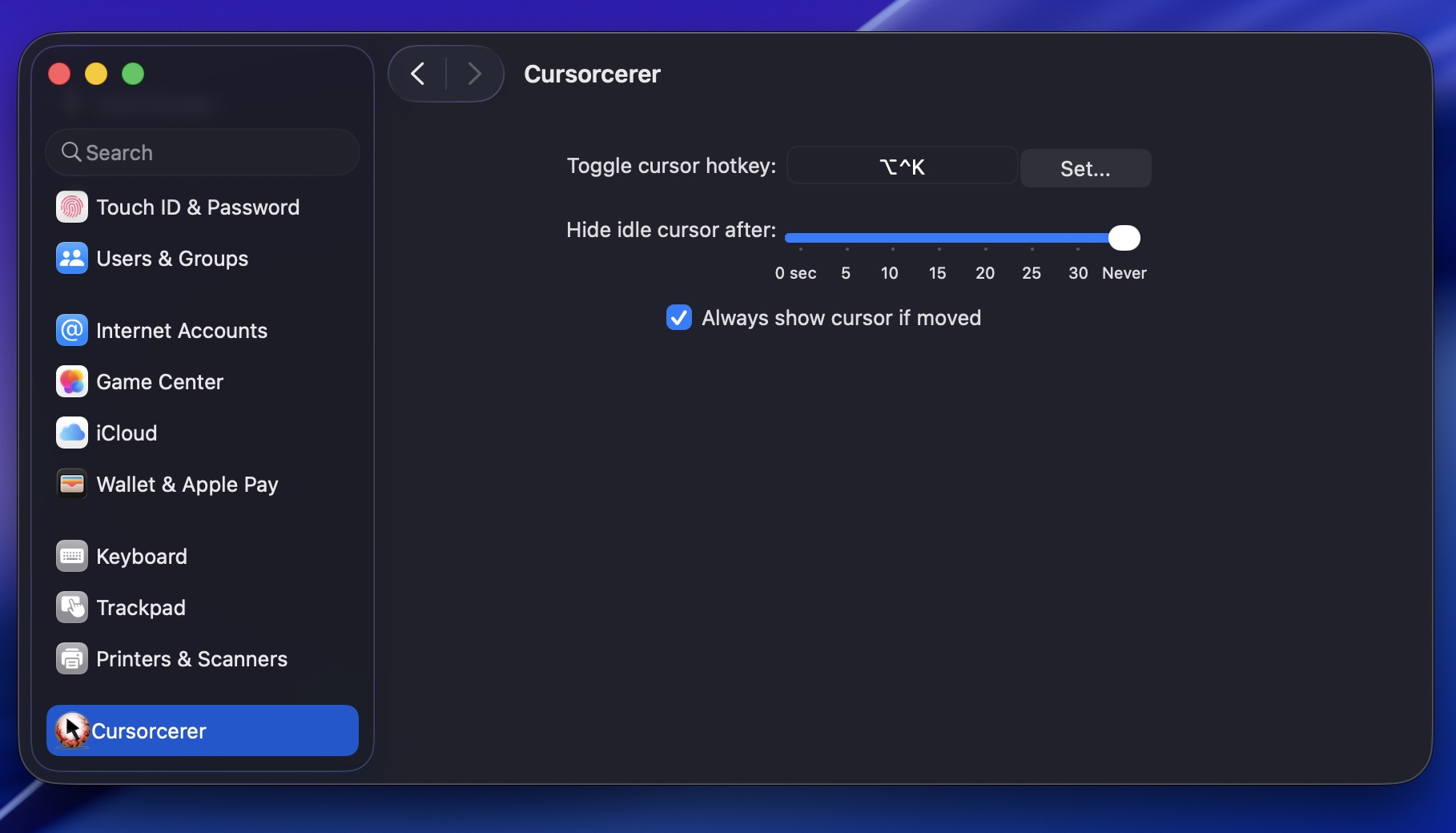
To install, just double click on the prefpane. Hit control-option-k to zap and unzap the cursor. If you want to uninstall, go to ~/Library/PreferencePanes/ and trash Cursorcerer.
The technique behind this global cursor hiding hack originates in a useful post to the Apple carbon-dev mailing list from Red Sweater’s Daniel Jalkut.
Cursorcerer 3.5 is signed, notarized, and works in macOS Tahoe, Sequoia, and Sonoma—and now natively supports Apple silicon Macs as well as Intel-based Macs. Legacy users can grab the 32-bit version here, or 2.0 here.
Download Cursorcerer 3.5
If you use Cursorcerer, please consider supporting it with a PayPal donation, or say hi on Twitter.